Forward Events and Threats to a Crowdstrike Falcon Next-Gen SIEM instance.
Forwarding Events to Crowdstrike
Requirements
- Access to the Keep Aware Console: Ensure you have valid login credentials and are logged in to the console.
- Permissions to create parsers and data connectors in Falcon Next-Gen SIEM: Confirm that you can add a parser and an HTTP Event Collector data connector in your Crowdstrike environment.
Set up a Crowdstrike HTTP Event Collector
Keep Aware delivers events to a Next-Gen SIEM HTTP Event Collector (HEC) data connector. Every connector in Next-Gen SIEM must have a parser assigned to it, and Crowdstrike does not ship one for Keep Aware, so you will create a small custom parser before you create the connector.
1. Create the parser
In the Falcon console, navigate to Next-Gen SIEM > Log Management > Data onboarding, select
Parsers, and click Add new parser. Name the parser keepaware, select the blank template,
and replace the contents of the parser script with:
// Keep Aware events arrive as a single JSON object per event.
parseJson(prefix="Vendor.", excludeEmpty="true", handleNull="discard")
| case {
    Vendor.@timestamp=* | parseTimestamp(field="Vendor.@timestamp");
    Vendor.timestamp=*  | parseTimestamp(field="Vendor.timestamp", format="milliseconds");
    *;
  }
| Vendor := "Keep Aware"
| event.module := "keepaware"
| Parser.version := "1.0.0"
| Cps.version := "1.0.0"
| ecs.version := "8.11.0"
The case block covers both timestamp formats Keep Aware can send:
{{@timestampISO}}and the Send entire event payload option produce an ISO 8601 string.{{@timestamp}}produces epoch milliseconds.
If you customize the Body to use a different timestamp field name, update the parser to match.
2. Create the data connector
Navigate to Next-Gen SIEM > Data ingestion > Data connectors and select Add data connector.
Choose the HEC / HTTP Event Connector, set the data type to JSON, and select the keepaware
parser you created in the previous step. Accept the terms and conditions and save.
3. Copy the API URL and API key
The connector's detail page displays an API URL and an API key. Copy both now — the API key is displayed only once.
Setting up Crowdstrike in Keep Aware
To get started, navigate to the Integrations Page and select the Crowdstrike integration. This will open a modal where you can select Create New Integration and begin configuring the integration.
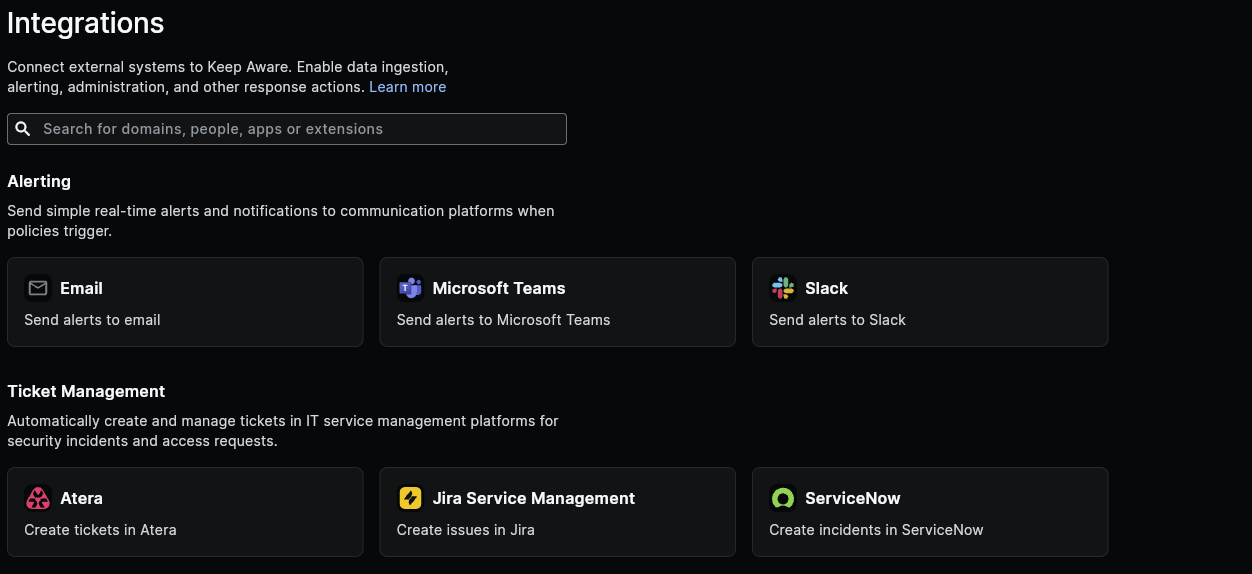 Image: Integrations Page
Here we will configure each of the fields below:
- Name: A unique name for your Crowdstrike Integration.
- Crowdstrike HTTP event collector URL: The API URL from your data connector, entered exactly as Crowdstrike displays it. Keep Aware posts to this URL as-is and does not append a path of its own.
- HTTP event collector token: The API key from your data connector. Keep Aware sends it as an
Authorization: Bearerheader. - Body: This is the JSON body that will be sent to Crowdstrike. See below for information on customizing the event body.
After you save the integration, add it to a Policy to begin forwarding events. To confirm events are arriving, trigger an event and search for it under Next-Gen SIEM > Advanced event search.
Continue below for how to customize the body that is sent to Crowdstrike.
When Send entire event payload is enabled, Keep Aware wraps the full event as
{"sourcetype": "json", "event": { ... }} and sends the @timestamp field as an ISO 8601 string.
Frequently Asked Questions
| Question | Answer |
|---|---|
| Why do I have to create a parser? | Next-Gen SIEM requires a parser on every data connector, and Crowdstrike does not provide a pre-built parser for Keep Aware. The parser above is a starting point you can extend to map additional fields to the Crowdstrike Parsing Standard. |
| Can I reuse an existing parser? | Only if it matches the payload Keep Aware sends. A parser built for a different source will not extract Keep Aware fields correctly. |
| How can I find out what message formatting options are available in Crowdstrike? | Crowdstrike will accept any JSON compliant object in the event field. For more information refer to your Crowdstrike documentation portal. |
| How can I find out what Event and Threat fields can be forwarded to Crowdstrike? | All available Threat and Even fields are described and documented in the Event and Threat Fields Documentation. |