Responding to a Threat
During or after investigating a threat event, response actions may be taken.
Getting Started
To get started viewing threat events, navigate to the Threats page from the menu on the left side of your console.
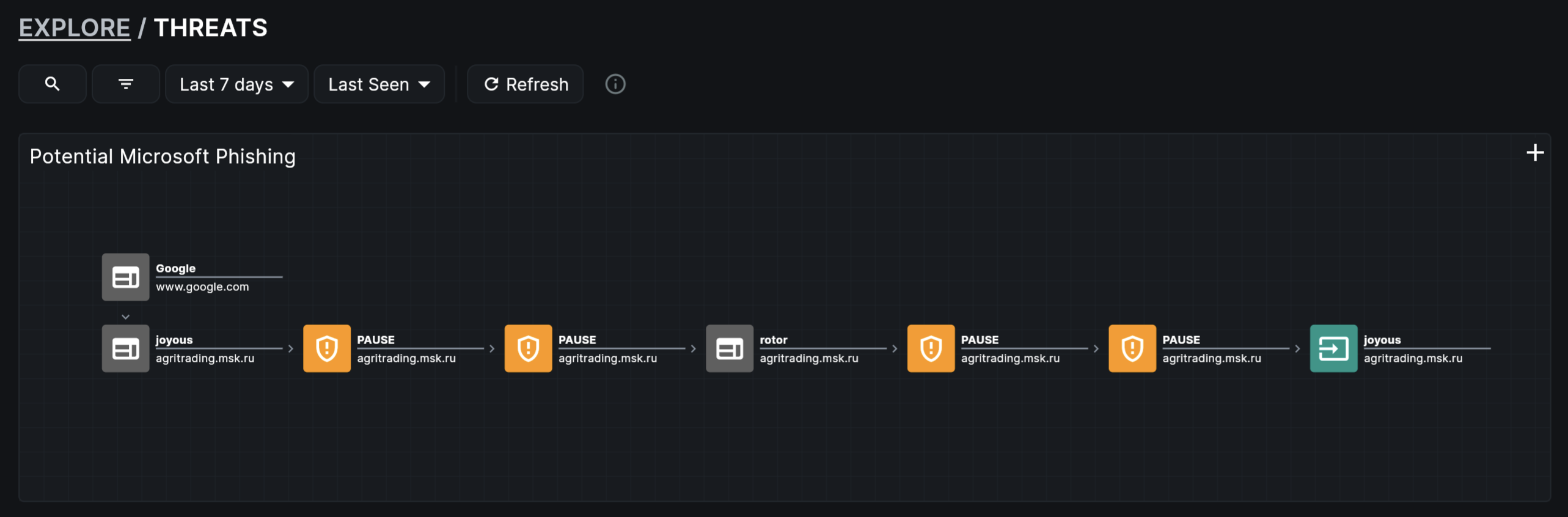 Image: Threats Page
Responding to a Threat
In the "Investigate Threats" section under the "Actions" column, find a threat event of interest and click "Respond" (the arrow icon).
Actions to take in response to a threat currently include the following:
Notify Affected User
Send a notification Signal to the user associated with this threat event to let them know of the potential threat or unwanted activity. Read more about Signals.
Make Exception
Add an exception to the relevant Policy to allow temporary or permanent access to an activity. Read more about Adding Exceptions to Policies.