Create console users
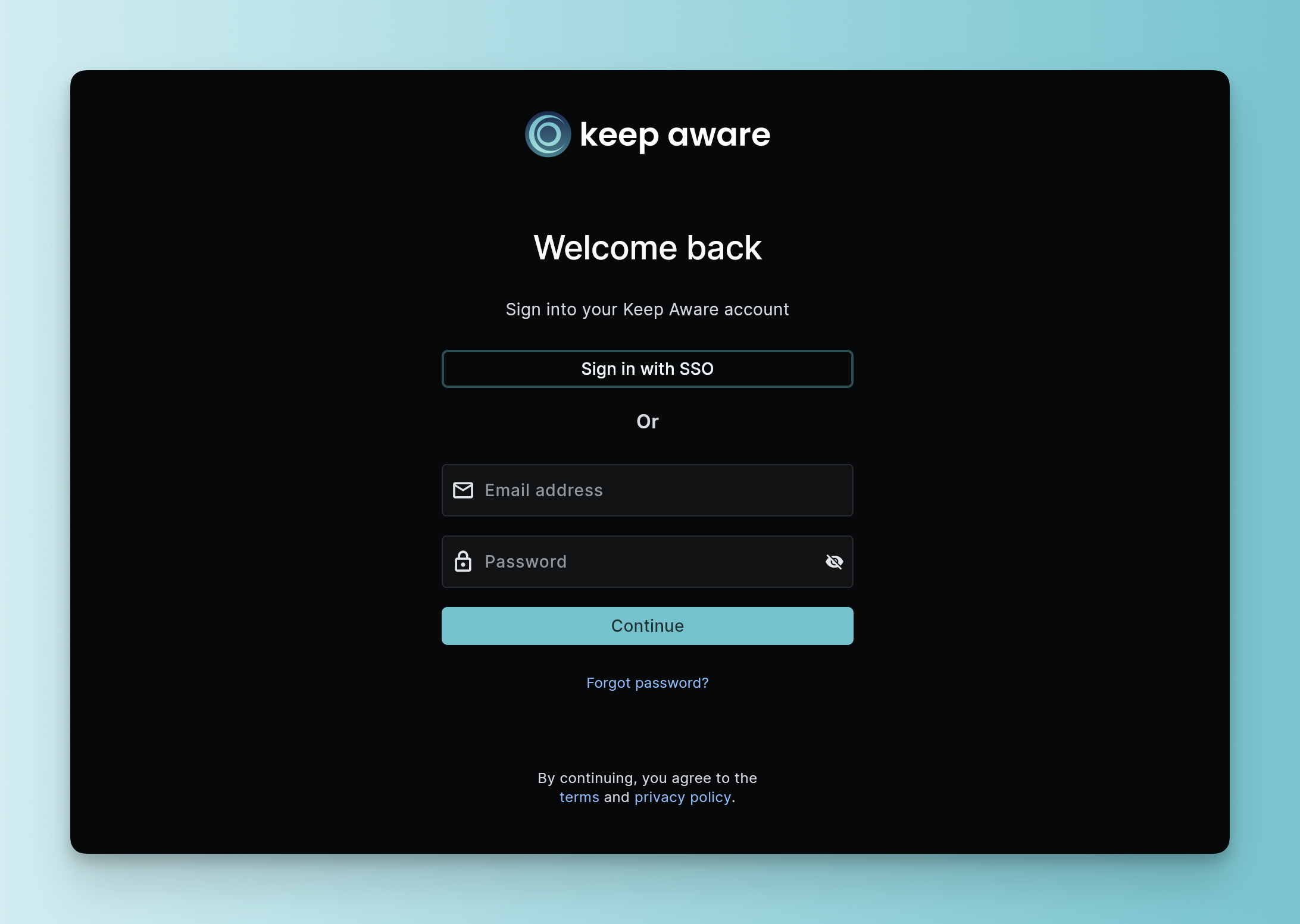
The Keep Aware console is where you deploy policy, investigate threats, and manage your organization. Once your tenant is set up, your Keep Aware representative will share the links you need to get started. You can sign in using Google, Microsoft, or your company’s custom SSO.
Console access
- Keep Aware console: https://console.awarefilter.com/
- Documentation portal: https://docs.awarefilter.com/
Question: What is "awarefilter"?
Certain infrastructure for the console, authentication, and Keep Aware enabled browsers will use awarefilter.com. This also helps us maintain slight obscurity from unnecessary attention on the console. For more information on exceptions to make for Keep Aware, see Specifications & Constraints.
Account setup
The Keep Aware console will allow you to sign in by default with your company email and temporary password. You will be required to change this immediately after sign-in.
Multi-factor authentication (2FA/MFA)
By default, multi-factor authentication is required to sign into Keep Aware. However, if you are integrated with another identity provider, the console will inherit those policies.
Adding console users
To invite teammates to your Keep Aware console, open the Console users tab on the Settings page.
Click Add console user to set permissions and send an invite. All you need is your teammate’s email address. Keep Aware will send them an invite link that’s valid for 7 days. If you prefer to share the invite manually, you can copy the link from the user’s detail view and send it yourself.
For more details, see Console user management.